
TRUELL2026-10-30T21:07:24+00:00
Why Your Website Isn’t Generating Leads—and What to Review First
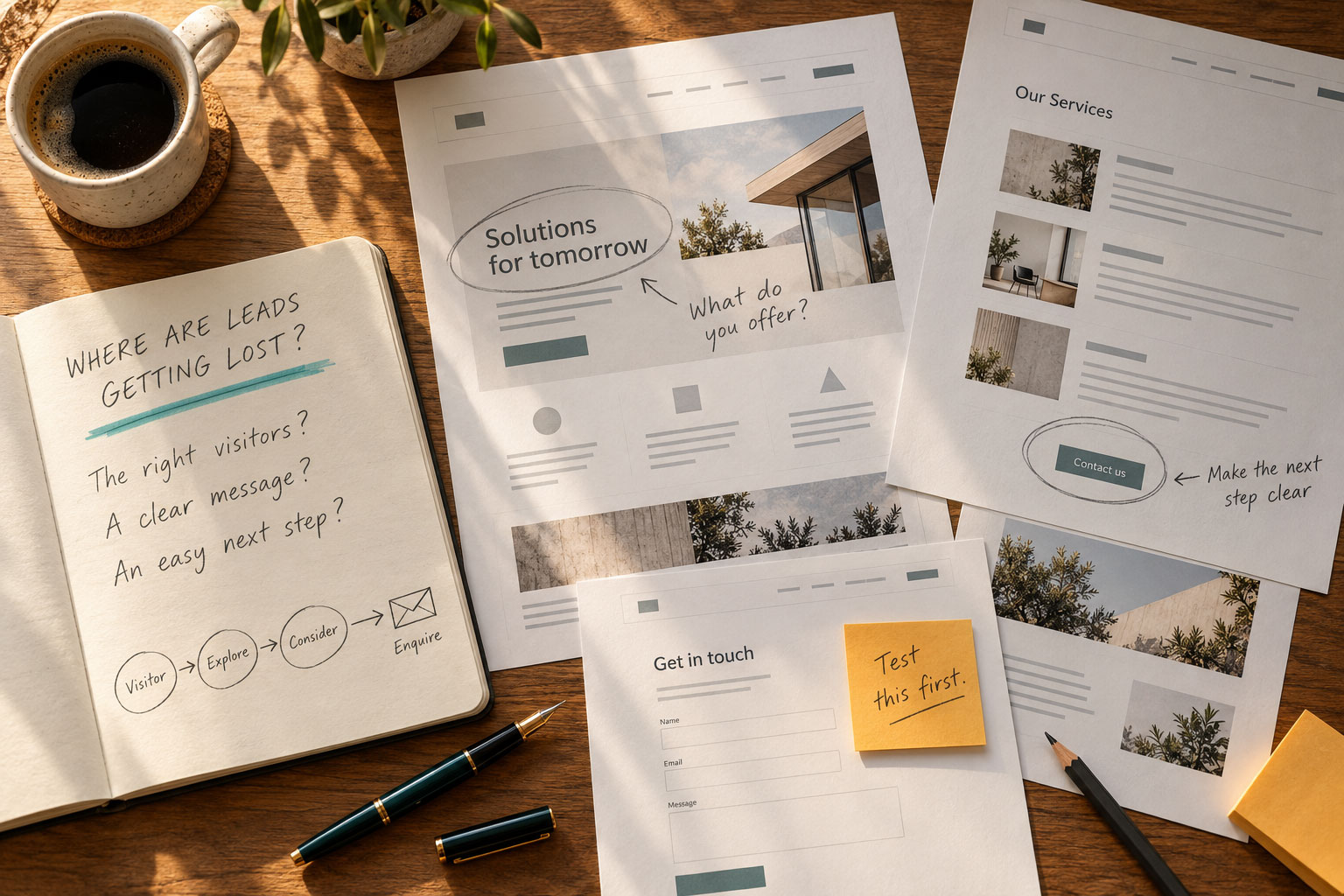
If your website isn’t generating leads, common causes include too few relevant visitors, unclear messaging, difficult navigation, weak calls to action, or problems with forms and tracking. Before investing in more traffic or a complete redesign, identify where the process is breaking down.
Your website should help potential customers understand what you offer, trust your business, and take the next step. When inquiries are low, the challenge is figuring out which part of that experience needs attention.
Start with these checks to determine what should come next.
1. Confirm That Inquiries Can Reach You
Before reviewing design or messaging, make sure your website’s lead-generation tools work.
Submit a test inquiry through each important form, using both a desktop computer and a phone. Confirm that the submission goes through, the visitor receives a clear confirmation, and the inquiry reaches the right person.
Check whether:
- Form notifications arrive in the correct inbox and avoid spam folders.
- Required fields and error messages are easy to understand.
- Phone links dial the correct number.
- Scheduling tools allow visitors to complete a booking.
- Completed inquiries are recorded correctly in your analytics or customer management system.
A form submission, a click on an email address, and a completed appointment are different actions. Your reporting should distinguish between them.
If inquiries are being lost or undercounted, fix that first. Changes to messaging or traffic won’t resolve a broken contact process.
2. Check Whether You Are Attracting Relevant Visitors
Low lead volume can reflect a traffic problem, a conversion problem, or both.
If very few potential customers visit your website, even a strong experience may produce only a small number of inquiries. If traffic is substantial but visitors are looking for something you don’t offer, increasing visits may do little to help.
Review where visitors come from and which pages they reach. Are search queries relevant to your services? Are advertising campaigns reaching the right audience? Are visitors located in the markets you serve?
A blog post may attract people researching a general question, while a service page reaches people actively evaluating providers. Those visitors have different needs and levels of readiness.
Before deciding that your website is underperforming, look at traffic quantity, visitor relevance, and completed inquiries together.
3. Review Your First Impression and Messaging
When someone lands on your website, they should quickly understand what your business does, who you serve, and why your offer matters.
A homepage can contain plenty of information while leaving those questions unanswered. Headlines may be vague. Services may be described in unfamiliar language. The most useful information may appear far down the page.
Look at your website as someone encountering your business for the first time:
- Is the main offer clear?
- Does the copy address the customer’s needs?
- Is there a specific reason to consider your business?
- Is the next step easy to find?
A website that isn’t generating leads doesn’t automatically need a redesign. Sometimes the more immediate issue is messaging.
Strong website messaging connects your expertise with what customers need to understand before choosing you. It gives the design a clear purpose and helps visitors decide whether to continue exploring.
4. Make Important Information Easy to Find
Interested visitors can leave when finding information becomes difficult.
Review your navigation and page structure from a potential customer’s perspective. Your most important services should be easy to locate, and page labels should make sense to someone outside your business.
For a service business, a useful path might move from a customer’s problem to the relevant service, supporting experience, and an opportunity to connect.
Consider whether visitors can easily find:
- The service or solution they need.
- Who the service is intended for.
- Examples of relevant work.
- Answers to common questions.
- Contact or scheduling
Each page should help visitors make progress. A clear structure reduces the effort required to evaluate your business.
5. Give Visitors a Logical Next Step
A website can explain a business well and still lose opportunities if visitors don’t know what to do next.
Calls to action should be visible, specific, and appropriate to the page.
Someone reading an introductory article may want to explore a related service or client example. Someone reviewing a service page may be ready to request information or schedule a conversation.
Consider whether your calls to action explain what will happen next. “Schedule a Consultation” or “Request Project Information” may give visitors more direction than a generic “Learn More.”
Also review the effort involved. A long form, unclear scheduling process, or request for unnecessary information can discourage an otherwise interested visitor.
Make the next step easy to understand and reasonable to complete.
6. Give People Reasons to Trust Your Business
Before contacting you, visitors need confidence that your business understands their needs and can deliver.
Relevant client work, testimonials, team expertise, project photography, clear service descriptions, and useful answers can all support that confidence.
The strongest examples explain something meaningful. A project description can show the type of challenge you addressed, the work involved, and your role. A testimonial can help visitors understand what working with your team feels like.
For businesses selling expertise or services that require a significant investment, this information is especially valuable. Visitors need enough evidence to feel comfortable beginning a conversation.
Place relevant proof near the services and calls to action it supports, so visitors can find it while making their decision.
7. How is Your Mobile Experience
Review your website on an actual phone, including the full path from landing page to inquiry.
Check navigation, text size, images, buttons, loading speed, and forms. Pay attention to pop-ups or other elements that may cover important content.
Can someone understand your offer, find the right service, and contact you comfortably?
A page may look polished on a desktop while requiring excessive scrolling or difficult interactions on mobile. Responsive design should make the experience useful across devices.
If mobile visitors reach an important page but rarely complete an inquiry, review both the audience and the experience before drawing conclusions.
8. Use Analytics to Decide What to Improve
Website analytics should help you understand how visitors move toward an inquiry.
Review which pages attract relevant visitors, which sources contribute to leads, and where people encounter obstacles. Compare performance across devices and consider how different pages contribute to the customer journey.
A page exit alone doesn’t prove something is wrong. Someone may have found the answer they needed, called your business, or returned later through another channel.
Look for patterns supported by more than one signal. For example, repeated form errors combined with incomplete submissions point to a more specific problem than a high exit rate alone.
Also check that marketing and landing pages agree. Someone clicking an advertisement or search result should arrive on a page that addresses the offer or question that brought them there.
Use these findings to prioritize improvements and measure whether they produce more qualified inquiries.
What Website Strategy Looks Like in Practice
Consider a custom homebuilder whose website attracts prospective buyers but makes them work to find completed homes, understand the building approach, or request information.
Useful improvements might include clearer positioning, better-organized project photography, an explanation of the process, and a more visible inquiry path.
These changes give visitors information they need to evaluate the builder and begin a conversation.
For Dark Horse Home, TRUELL’s website work highlights custom homes, craftsmanship, and builder credibility. It illustrates how a website can present a business’s expertise through both content and design.
To assess the effect on lead generation, that work should be evaluated alongside inquiry tracking, traffic quality, and the quality of conversations the website produces.
Start With the Problem You Can Identify
If your website isn’t generating enough leads, begin by confirming that inquiries can reach you. Then review whether you are attracting relevant visitors and giving them a clear, credible path to action.
Some websites need targeted improvements. Others need a broader review of messaging, structure, content, design, and technology.
TRUELL’s Website Strategy & Digital Experience service brings these elements together to help businesses communicate their value, improve usability, support search visibility, and guide visitors toward meaningful action.
Schedule a Strategy Call to review where your website may be losing opportunities and determine which improvements deserve attention first.
Frequently Asked Questions About Website Lead Generation
Why isn’t my website generating leads?
Common causes include insufficient relevant traffic, unclear messaging, difficult navigation, limited trust signals, weak calls to action, or technical problems with forms and contact tools. Start by testing the inquiry process, then review traffic quality and the visitor experience.
Does more website traffic always mean more leads?
No. More relevant traffic can create additional opportunities but results also depend on what visitors need and how effectively the website helps them take action. Increasing traffic without addressing a confusing experience or broken form may leave the underlying problem unresolved.
How can I tell whether my website has a conversion problem?
Confirm that inquiries are tracked accurately, then compare relevant traffic with completed actions. Review performance by page, traffic source, and device. Combine analytics with hands-on testing to identify obstacles such as unclear next steps, difficult forms, or mismatched landing-page content.
Should I redesign my website if it isn’t generating leads?
Not necessarily. Targeted changes to messaging, navigation, forms, content, or calls to action may address the problem. A broader redesign becomes more appropriate when the issues affect multiple parts of the website, or the site no longer supports your business’s positioning and goals.